
AI steel takeoff software that does the counting
Ferra detects beams, columns, and full structural scope across complete drawing sets. Your structural steel takeoff is done in minutes, with quantities and tonnage you can stand behind.
Slow, fragmented, and easy to get wrong.
Structured, connected takeoff — automatically.
- Detect beams, columns, and structural elements
- Connect related views and details
- Organize scope into a navigable system
Core workflow
From drawing set to complete takeoff in minutes
Upload your drawings. Ferra detects structural elements across all sheets, connects related views, and builds a complete, navigable takeoff.
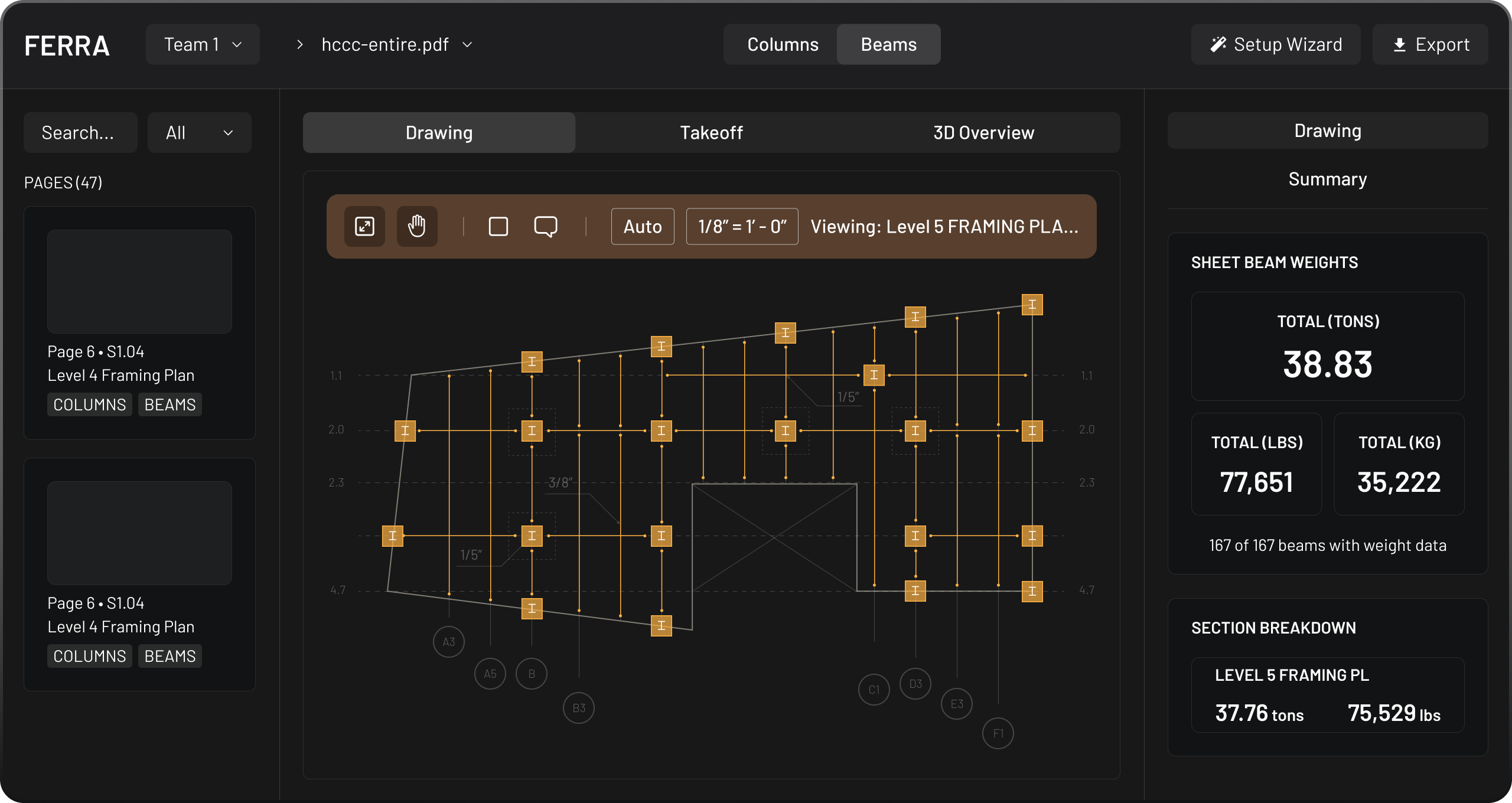
Real takeoffs. Not approximations.
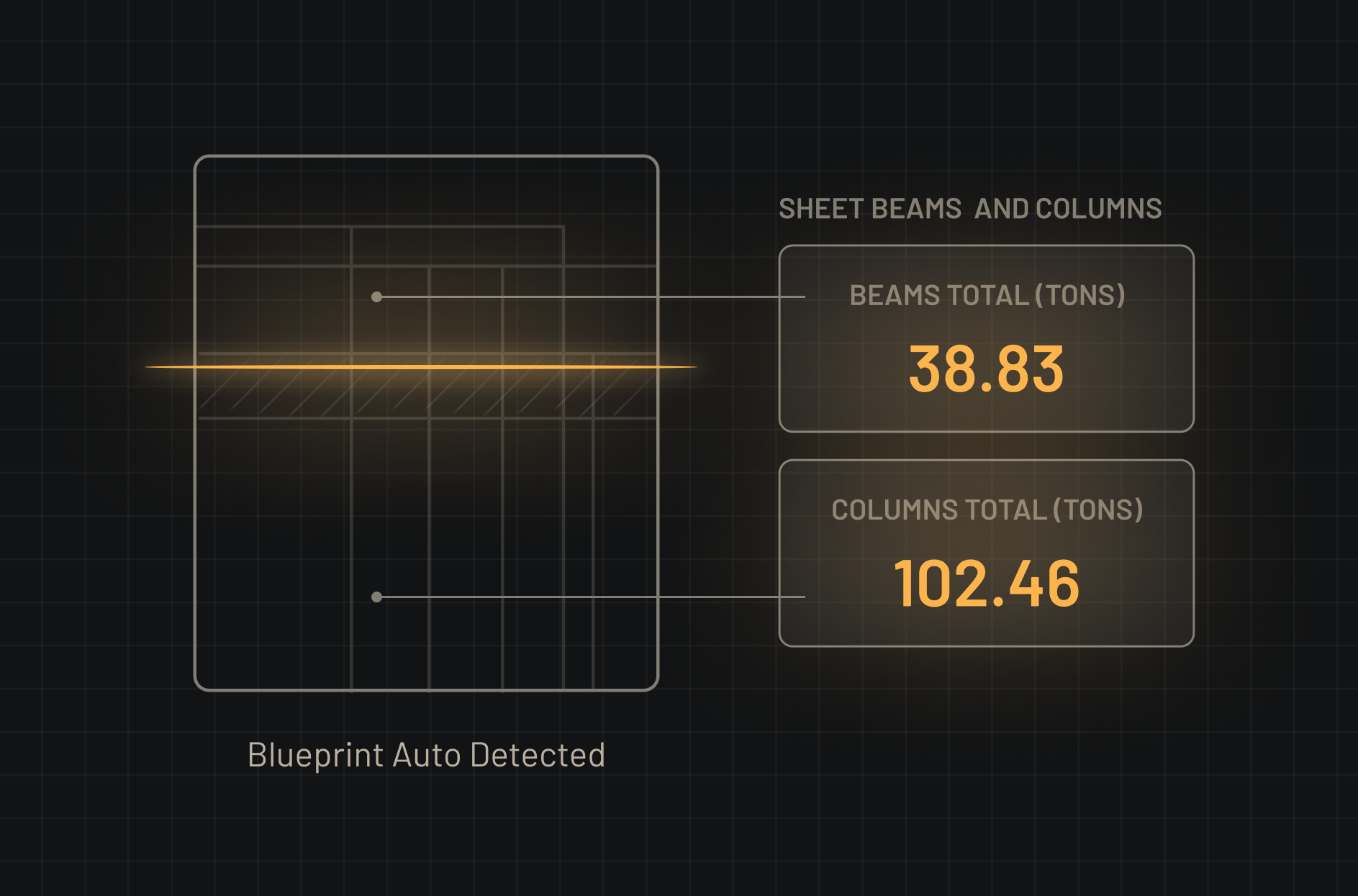
Beam & column detection
Every structural element flagged across the sheet. Orange = beams, blue = columns — classified and counted automatically.
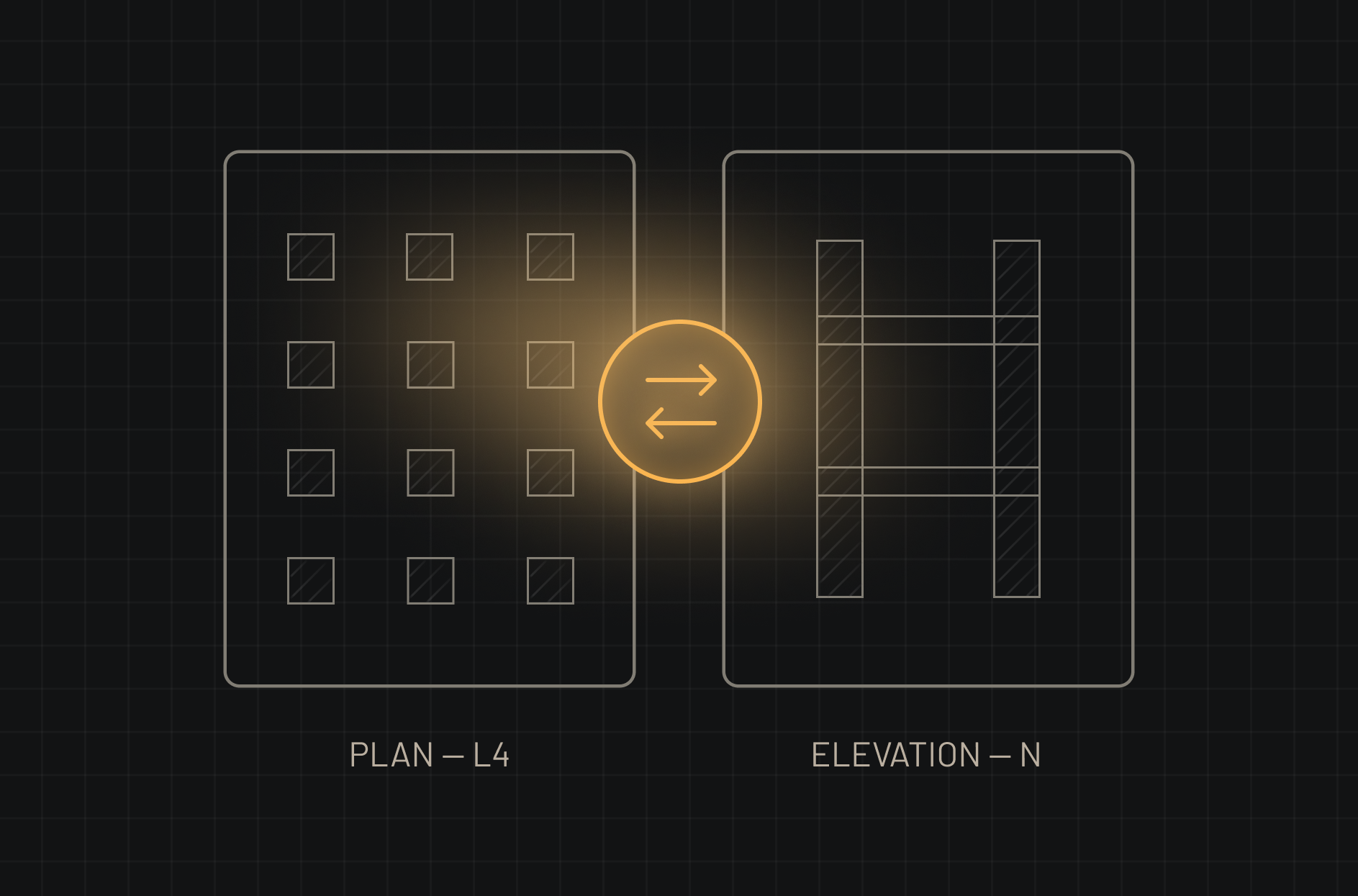
Column continuity
Plan view and elevation linked automatically. Column height resolved without manual cross-referencing.
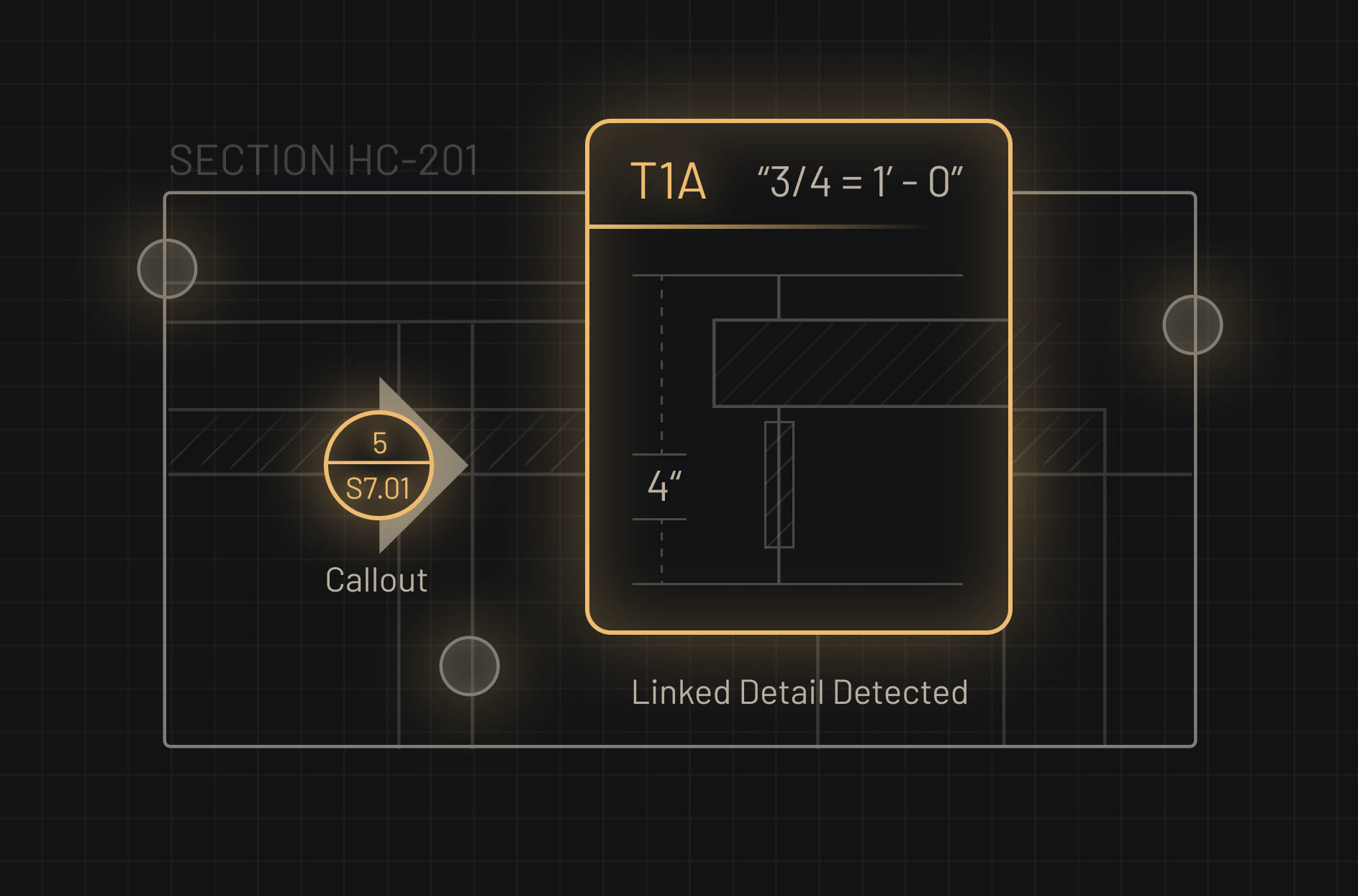
Automatic hyperlinking
Elements tagged with detail references are linked automatically. One click jumps directly to the connection detail.
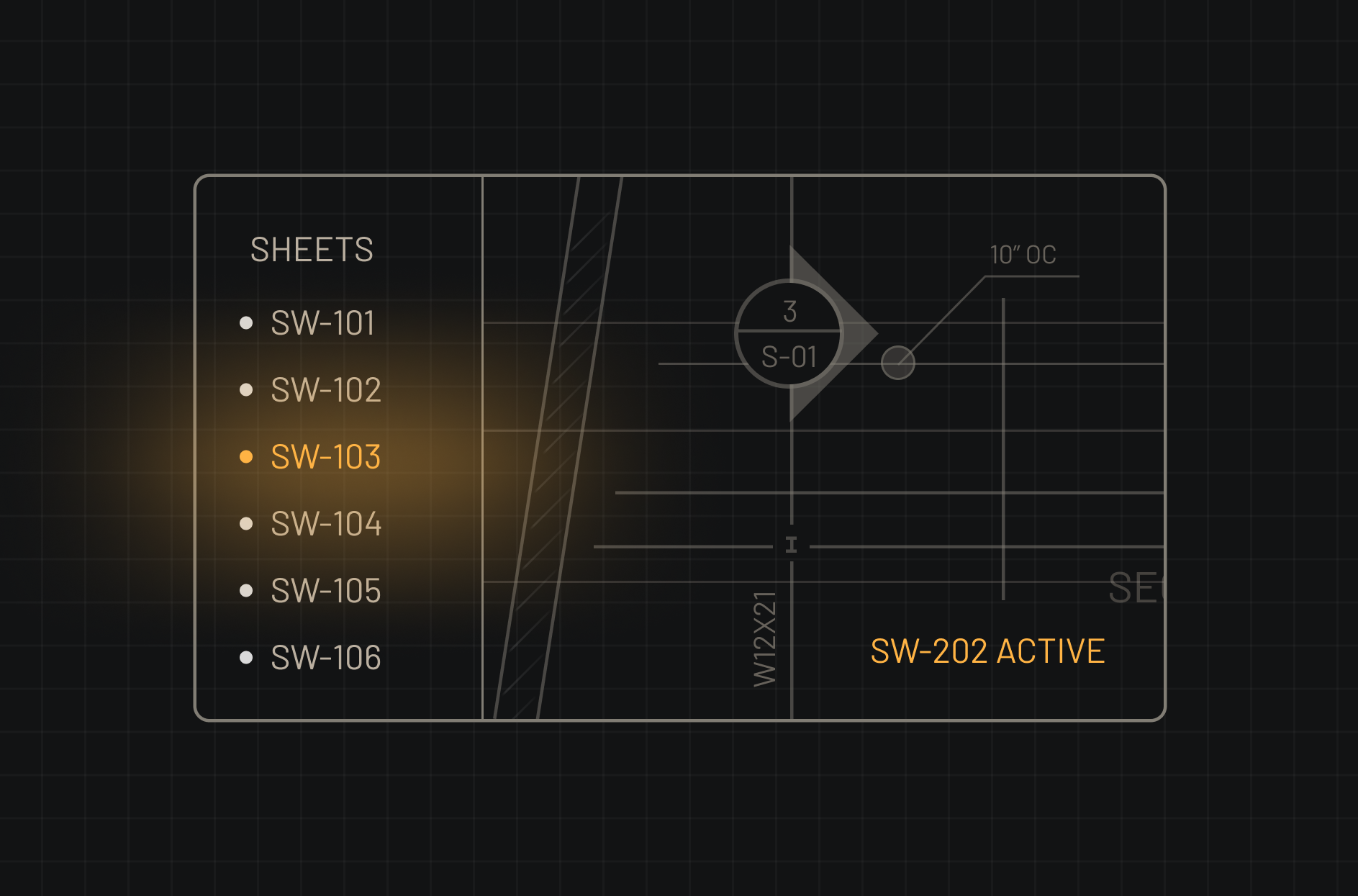
Multi-sheet navigation
All the sheets organized into a single navigable system. Switch between sheets without losing context or element tracking.
Faster takeoffs. Higher confidence.
Reduce manual time
Less time navigating sheets by hand
Improve accuracy
Detection across every sheet, not just sampled ones
Minimize missed elements
Connected views mean nothing slips through
Focus on higher-value work
Estimators spend time on judgment, not counting